Admin demo
Run a season from one admin portal
Your team runs everything from a web admin with two-step sign-in. These are screens from the real admin, running the same sample league as the fan demo. Here is a season, start to finish.
- 01
Make it yours
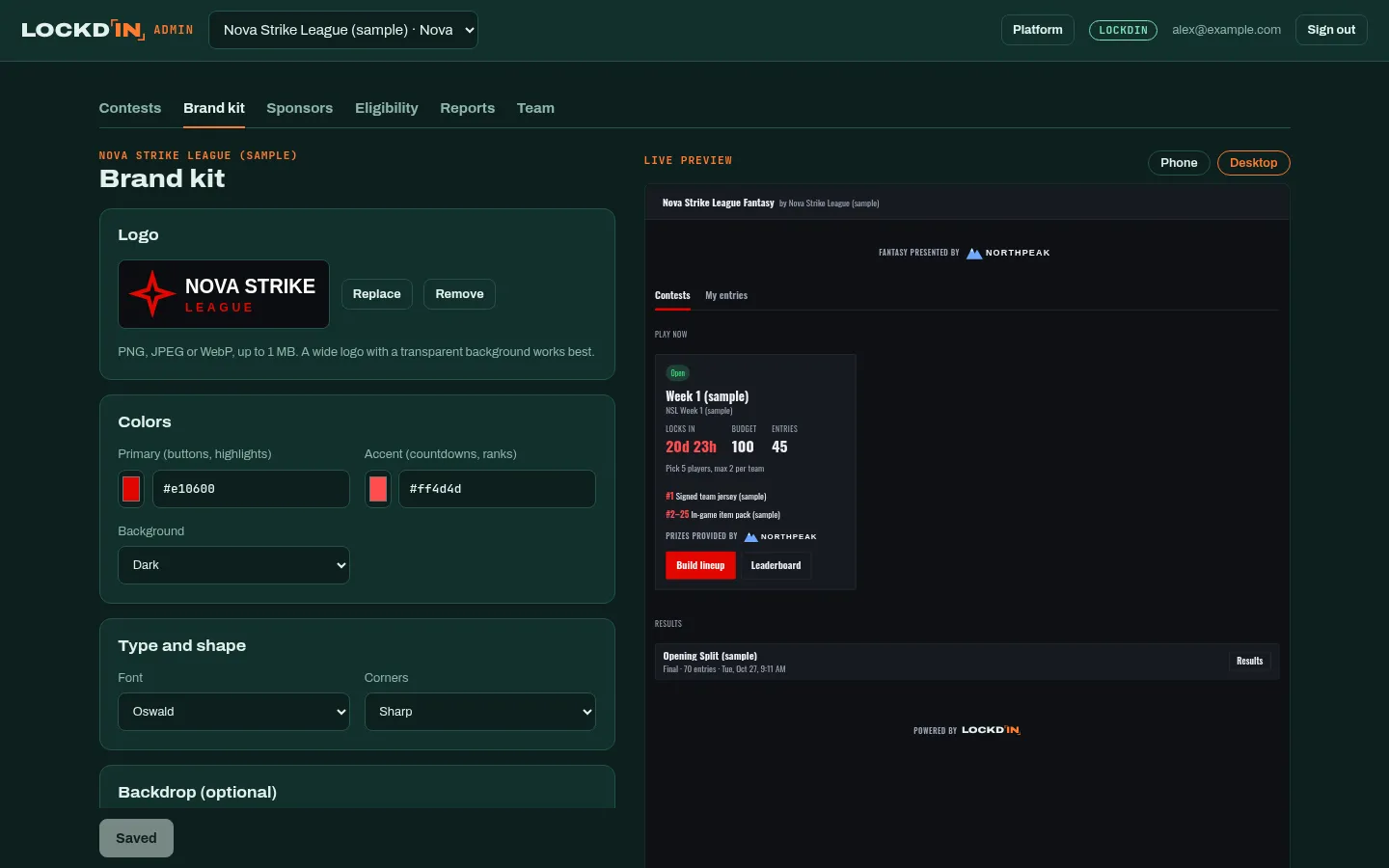
Upload your logo, pick your primary and accent colors, light or dark background, a font and a corner style. The live preview beside the form is the real game, at phone or desktop size, so you see every change before fans do.
The admin warns you when a color is hard to read against your background.
- 02
Create a contest
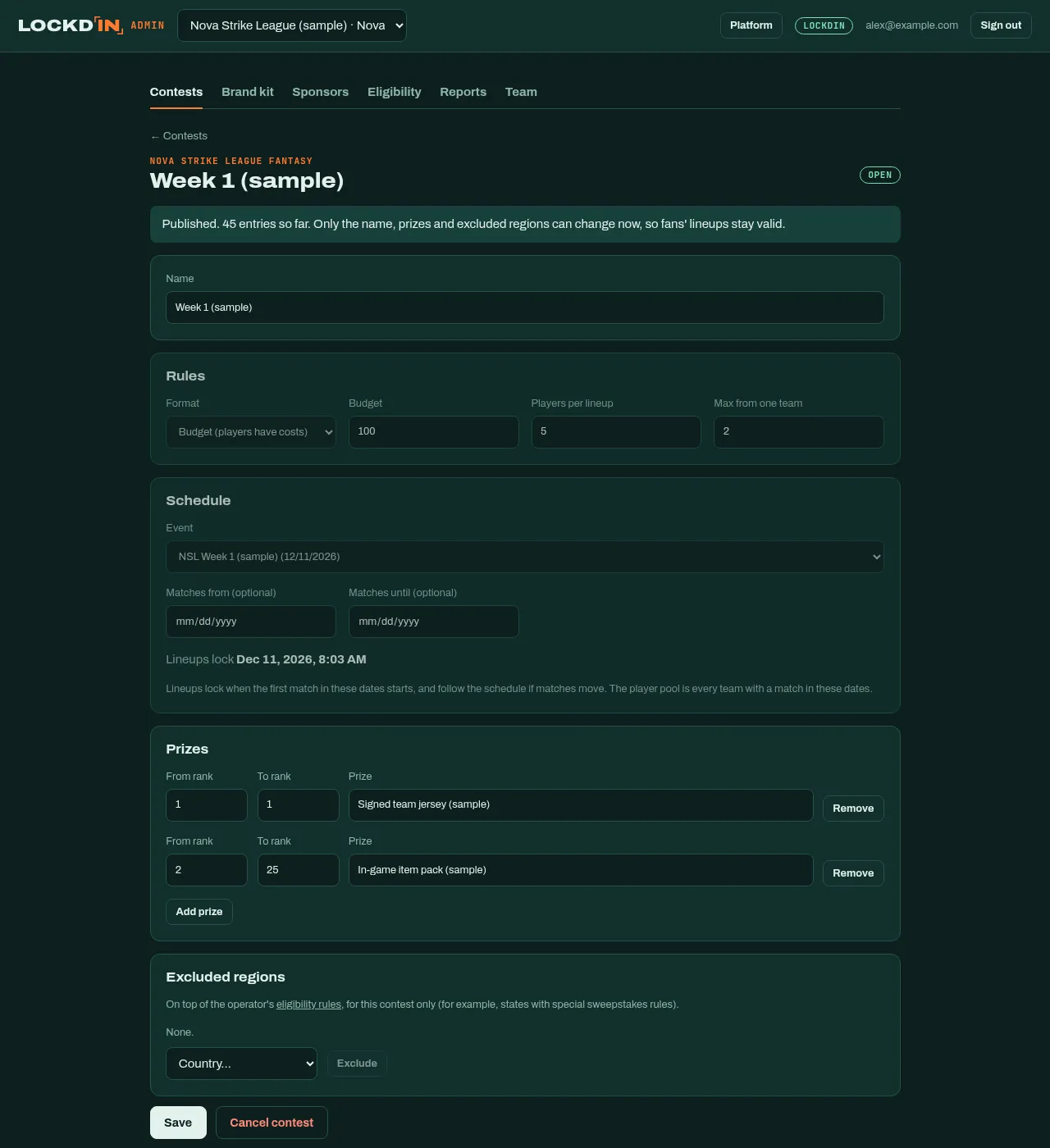
Pick an event and a format: budget (players have prices, fans pick within a cap) or draft (pick anyone). Set the lineup size and how many players can come from one team.
Lineups lock when the first match starts and follow the schedule if matches move. Add prizes by rank and, if needed, regions excluded from this contest.
- 03
Watch it fill up
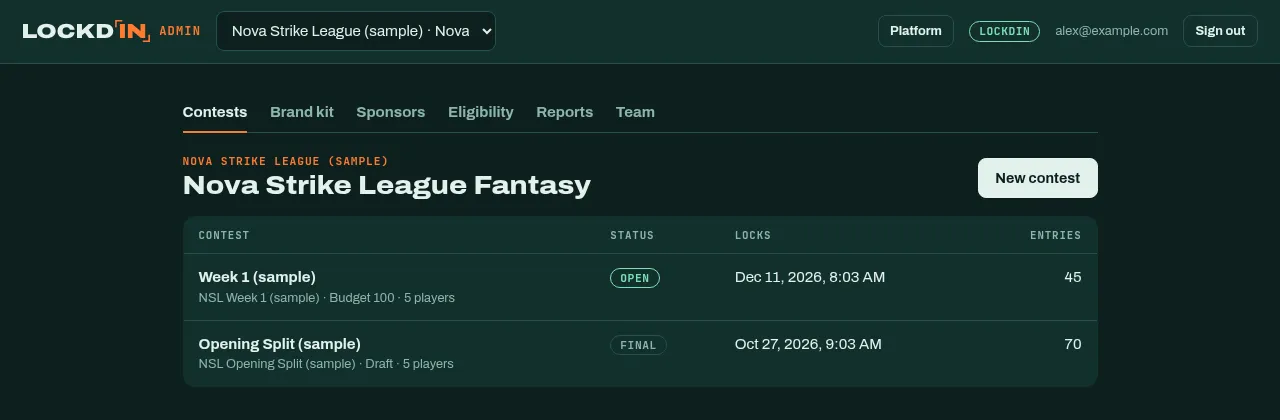
Every contest with its status, lock time and entries at a glance. Publish when you're ready; once fans have entered, only safe changes (name, prizes, excluded regions) are allowed, so nobody's lineup breaks.
- 04
Set who can win
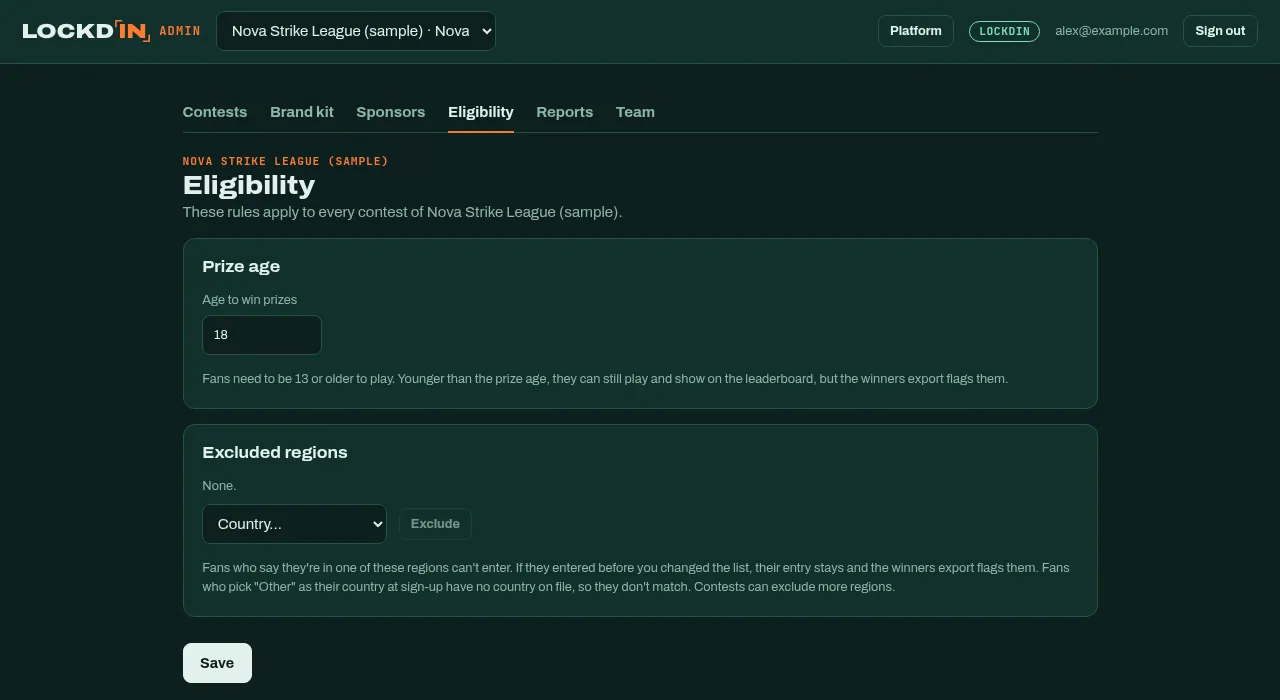
One place for the rules your lawyers care about: the minimum age to win prizes and the countries or US states that can't enter. Fans give their birth date and region once, at sign-up.
- 05
Sell sponsor placements
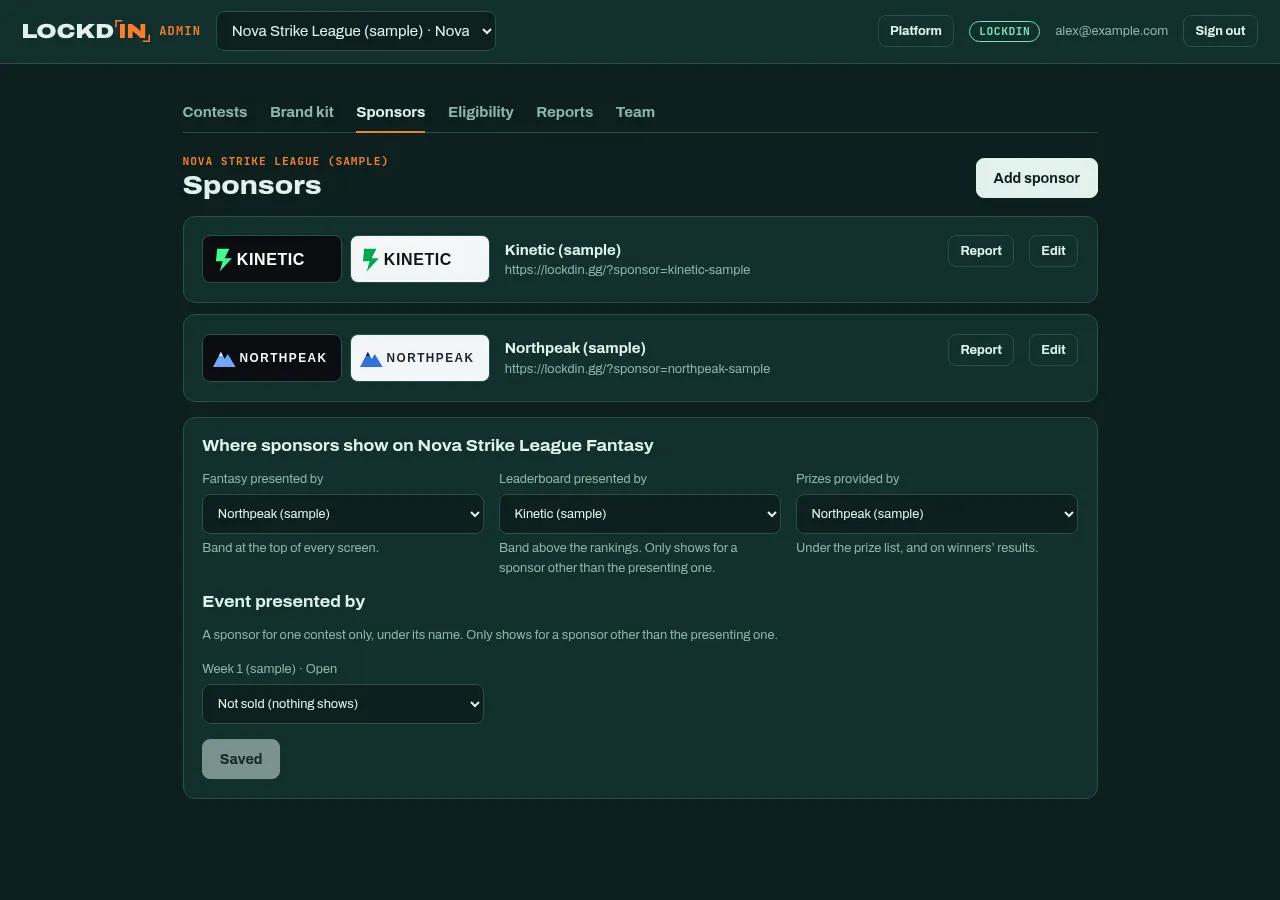
Add sponsors with logos for light and dark backgrounds, then choose who presents the game, the leaderboard and the prizes. A sponsor can also present a single event.
- 06
Show sponsors what they got
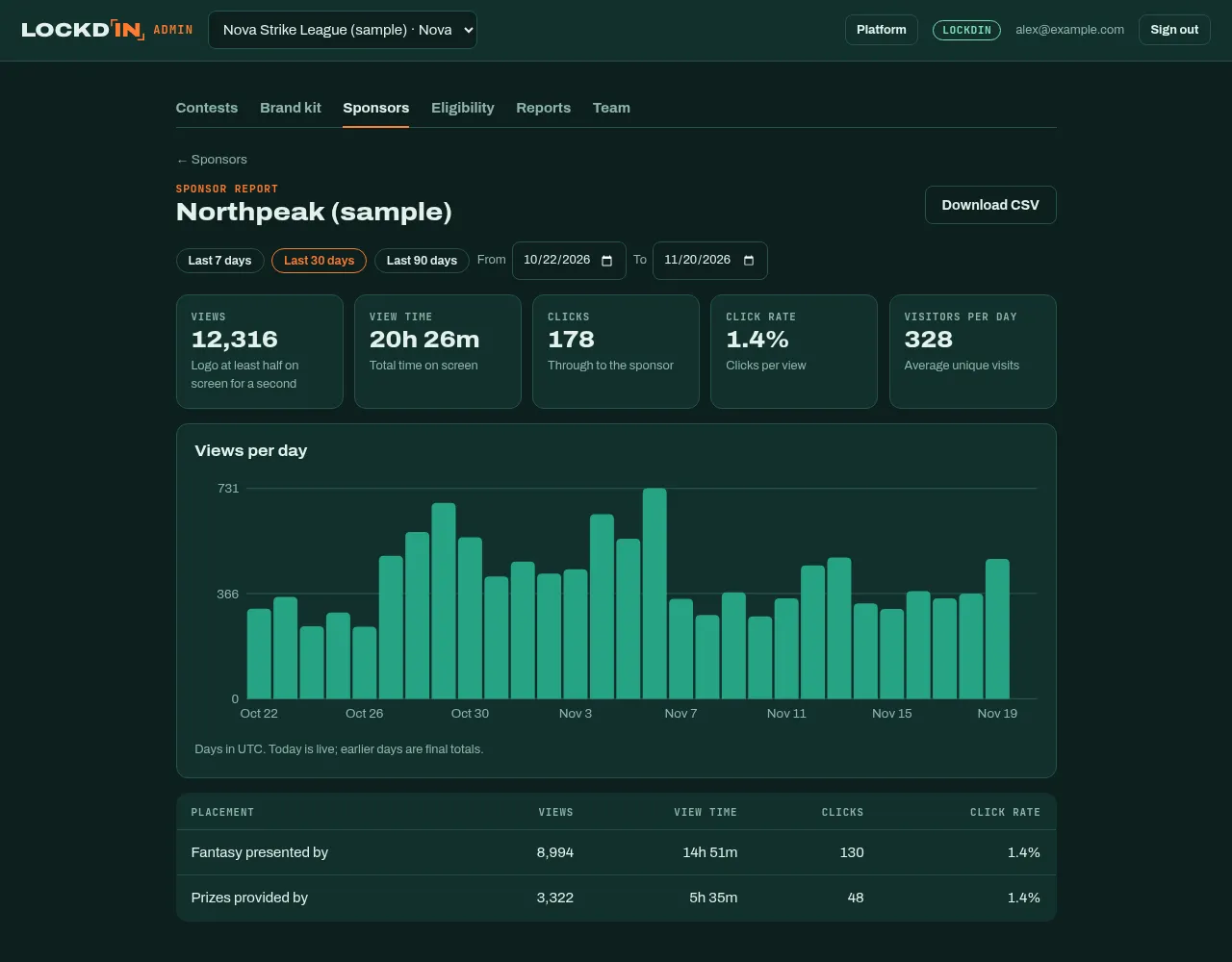
Each sponsor gets a report: views (logo on screen for at least a second), time on screen, clicks and click rate, per day and per placement. Download it as CSV for their renewal meeting.
- 07
Pay out the winners
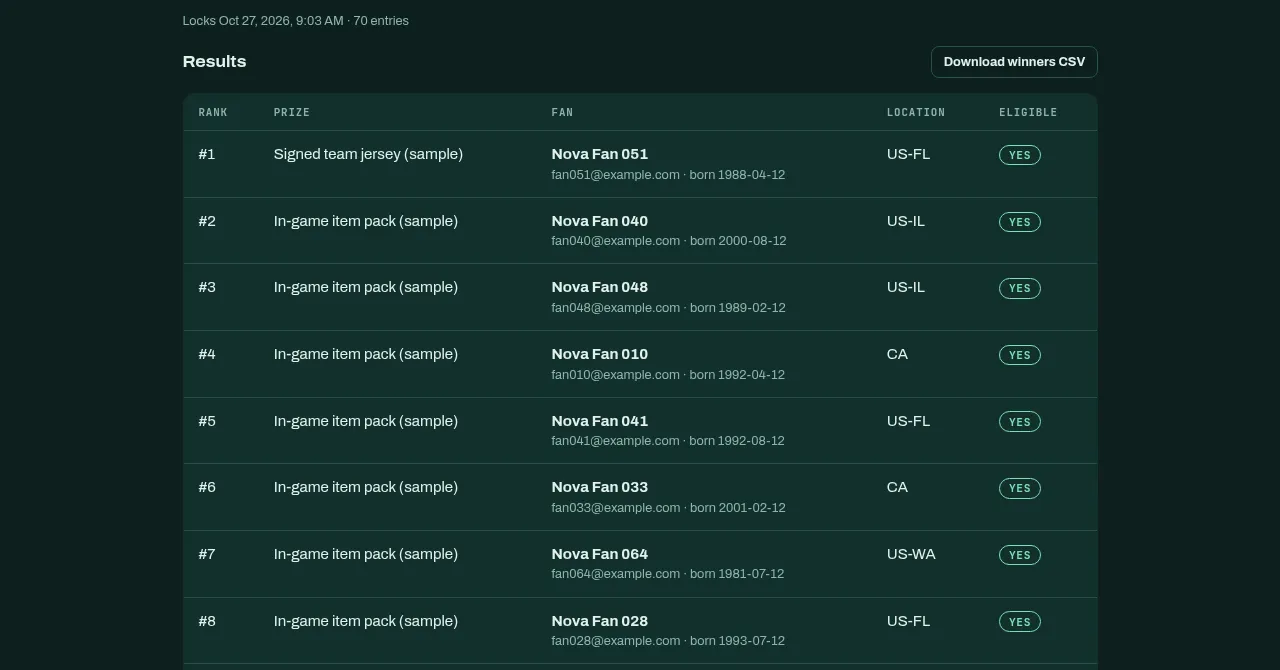
When an event ends, scoring and ranks are done for you. The results list each winner's prize, location and an eligibility flag, and the winners CSV is ready for fulfilment.
- 08
Know your numbers
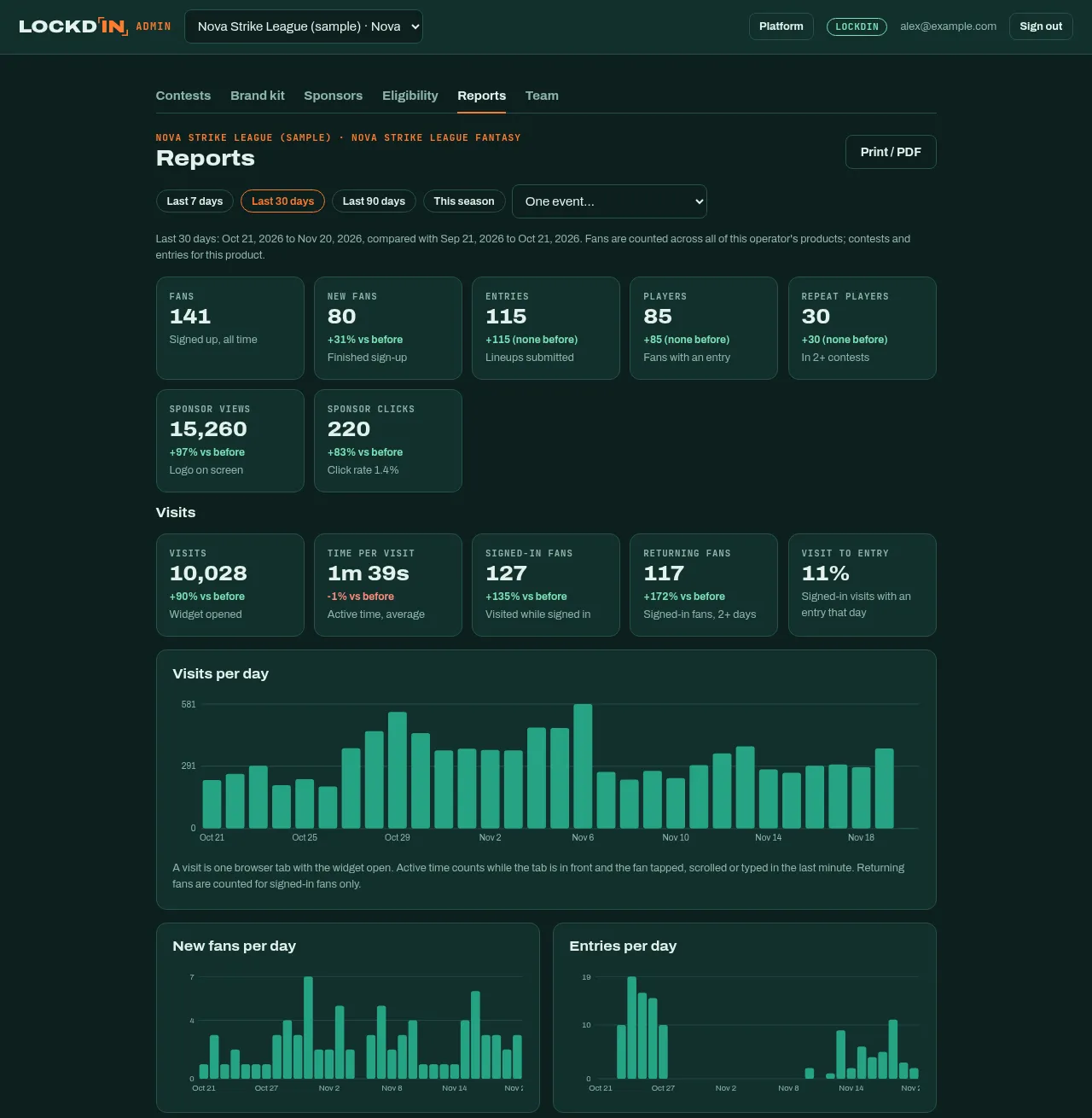
Fans, sign-ups, entries, repeat players, visits, time per visit, returning fans and sponsor totals for the last 7, 30 or 90 days, the season or one event, each compared with the period before. Charts, age and location breakdowns, CSV exports and a print-ready PDF.
- 09
Bring your team
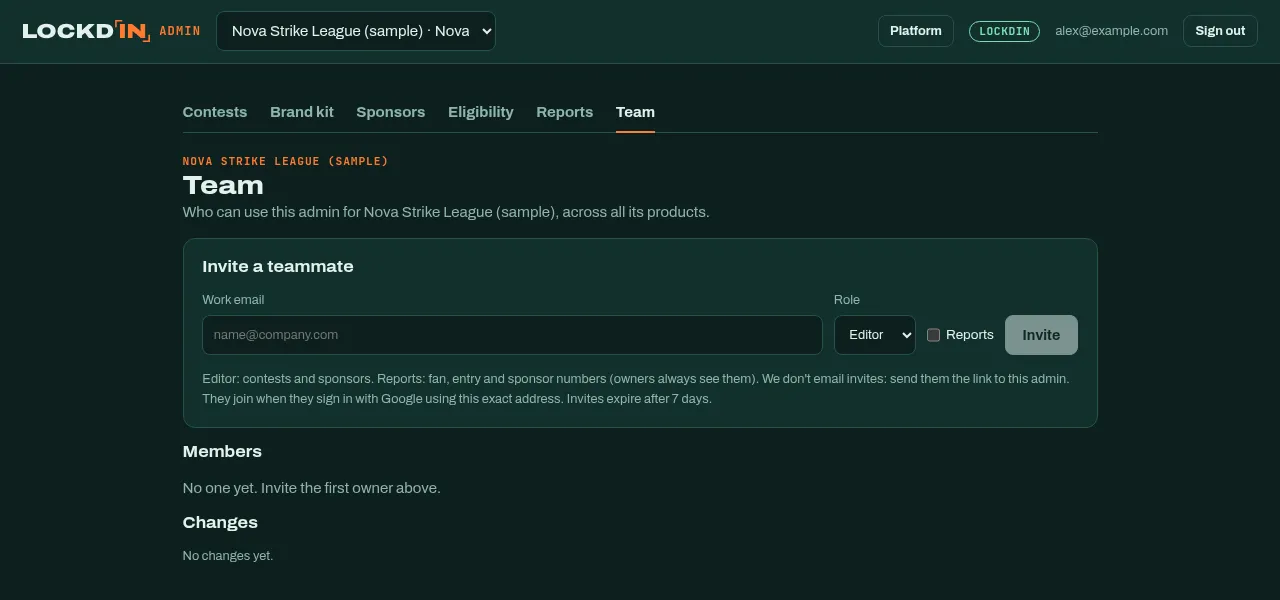
Invite staff by email as owners, editors or viewers, and choose who sees reports. Every change to the team is logged.